
You can set Minimum-day booking and Maximum-day booking to your Rental System using Min and Max Booking Day Addon for Booking and Rental – WpRently.
To enable this go to Min and Max Booking Day Addon for Booking and Rental – WpRently
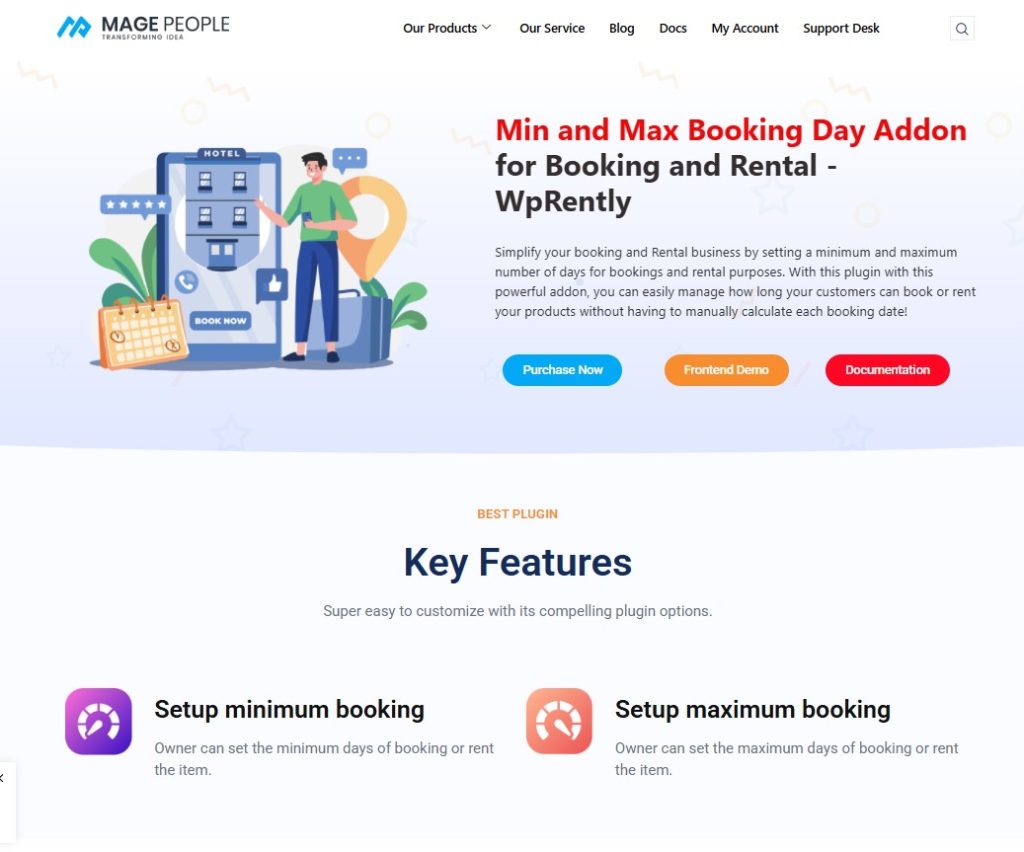
Click the Purchase Now button.
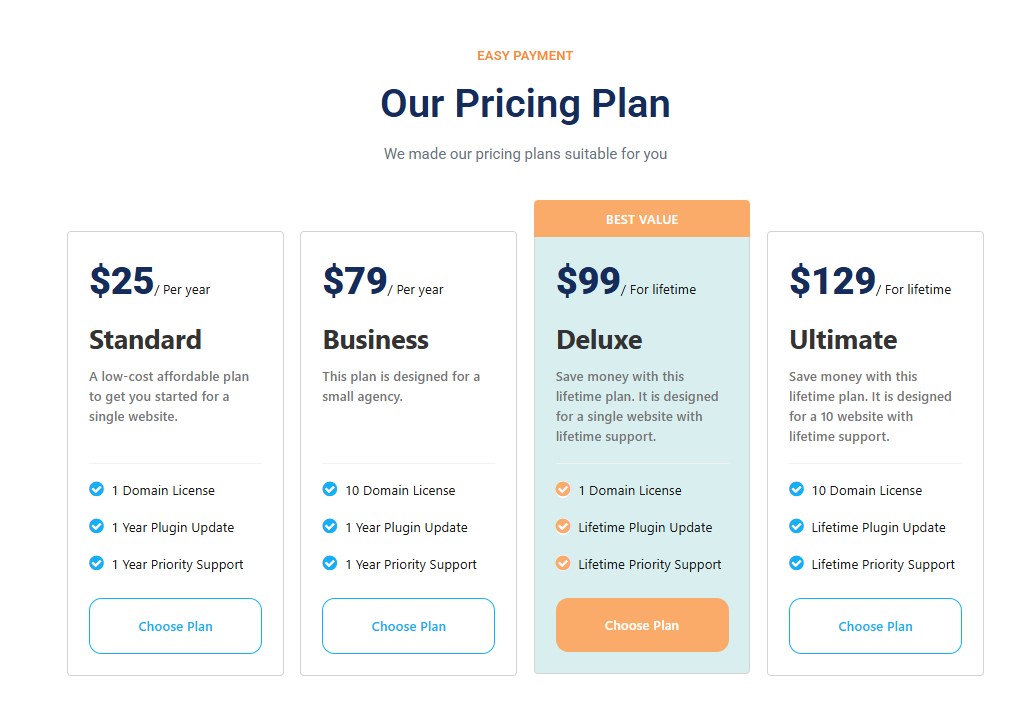
Select your preferred plan and buy the plugin with ease.
You will get a download link shortly.
Now go back to your WordPress dashboard.
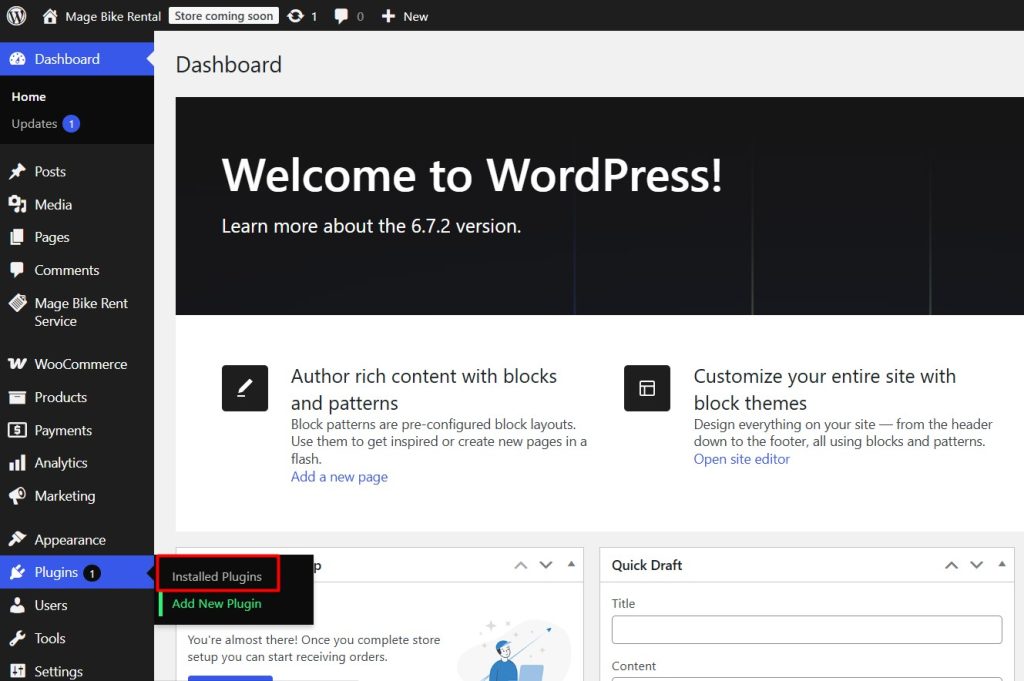
Open Plugins -> Add New Plugin.
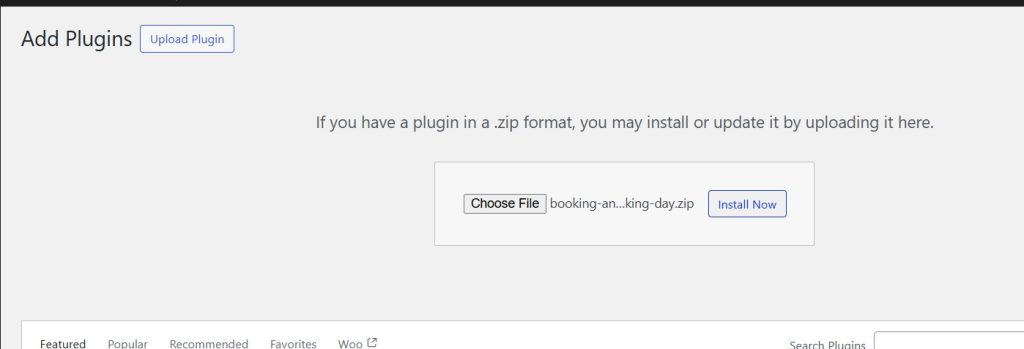
Click Upload Plugin and click the Choose File button.
Now upload the plugin and click Install Now.
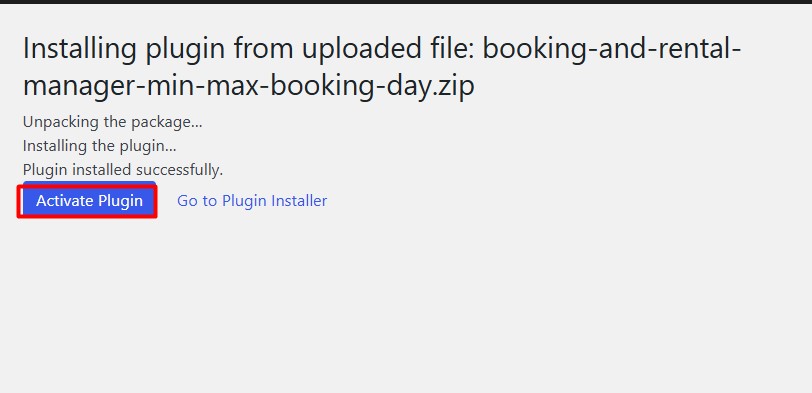
Now activate the plugin and open your Rental item from the All Rental Item list.
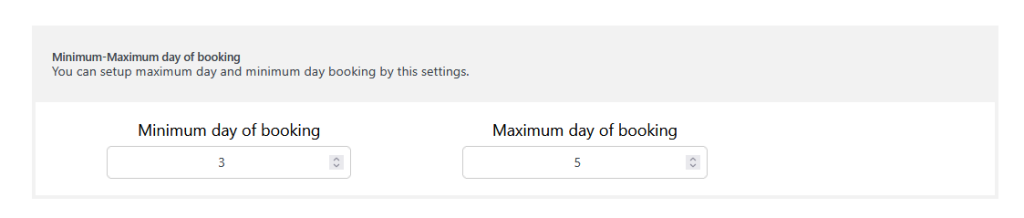
Scroll down and look for Minimum- Maximum day of booking section.
Add your Minimum day of booking and Maximum days of booking.
For example, here the minimum day is 3 and the maximum is 5 for booking.
Now click Update and see the changes on the front end.
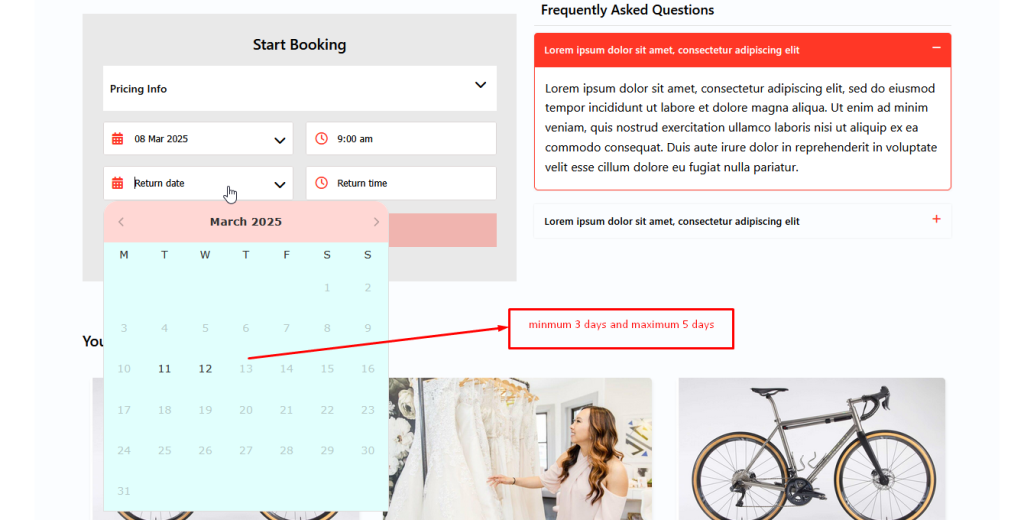
As you can see according to the min-max settings, it’s working fine.


