
You have added your location name from the Add New Location category.
Now it’s time to display your pickup location for the rental service.
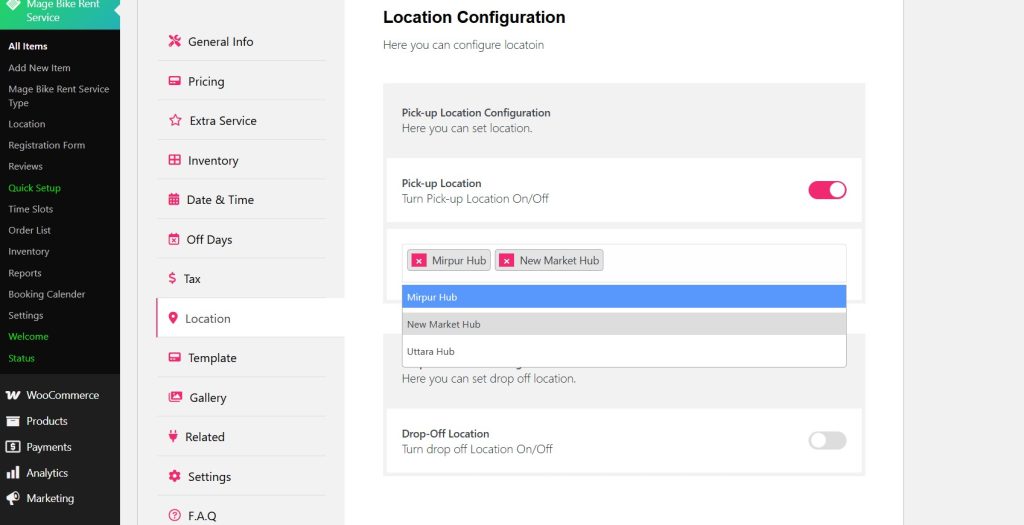
Simply navigate to the Location tab of your Rental item and toggle the Pickup Location.
Add your location from the drop-down list.
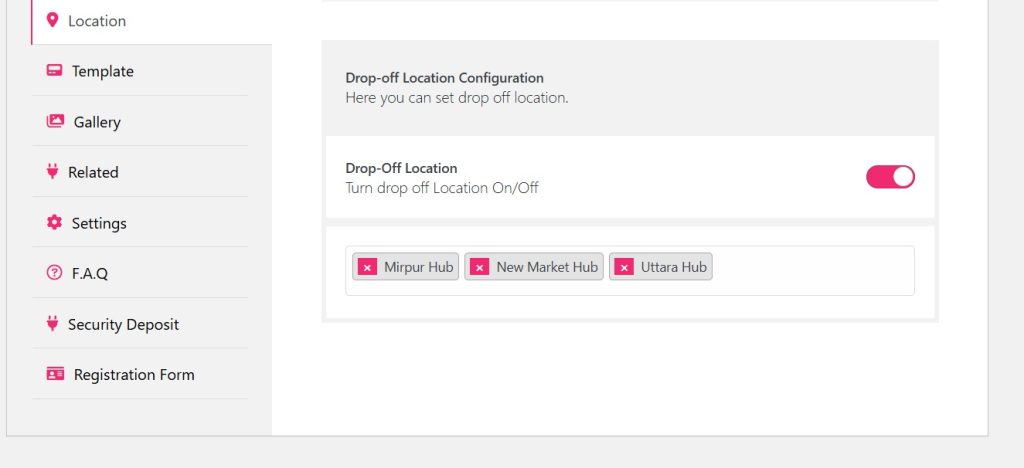
Similarly, toggle the drop-off location Configuration and select the drop-off location from the list.
Click Update and see the changes on your front end.
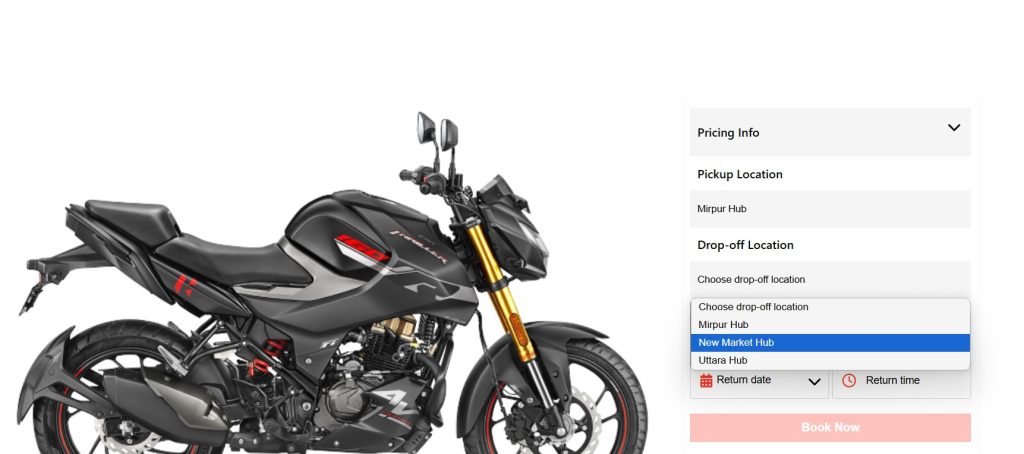
Well, the pickup location and drop-off location is displayed.


