
Rent and Booking Manager For WooCommerce PRO is dependent on Two Plugins. These two plugins must be installed on your website.
- WooCommerce
- Booking and Rental Manager for WooCommerce free version
To Install Rent and Booking Manager For WooCommerce PRO:

Purchase any plan for WpRently and you will get the license and pro plugin.
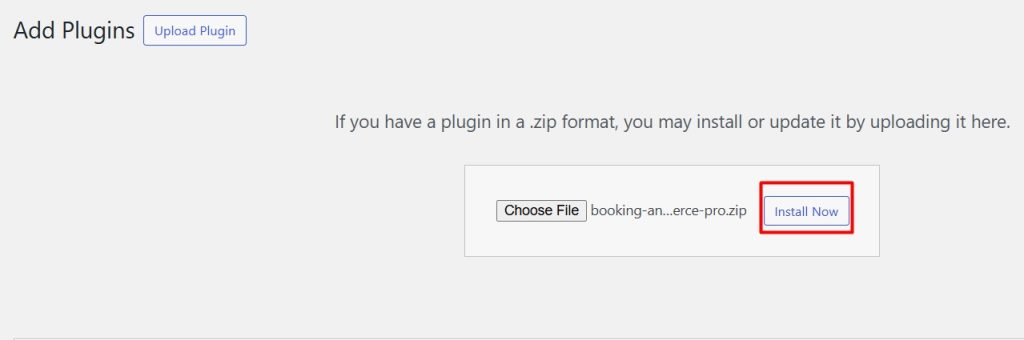
Download the plugin zip file from My Account after buying the pro version, then Go to Plugins -> Add New. Click on the Upload Plugin button. Choose the plugin zip file booking-and-rental-manager-for-woocommerce-pro.zip and click on Install Now button.
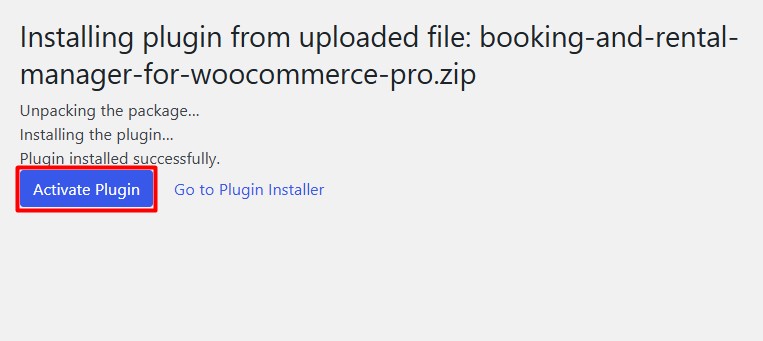
Activate the Plugin.
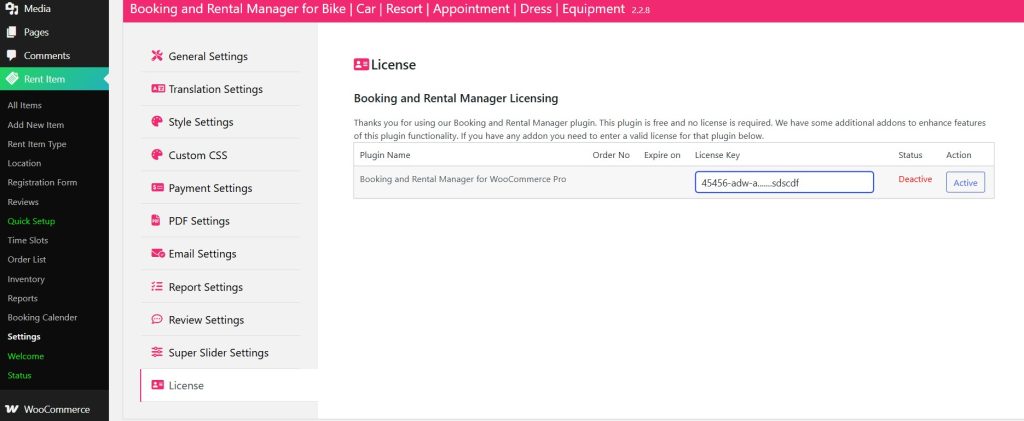
Now go to Settings > License type your License key and click Active.
And your WpRently Pro is ready.
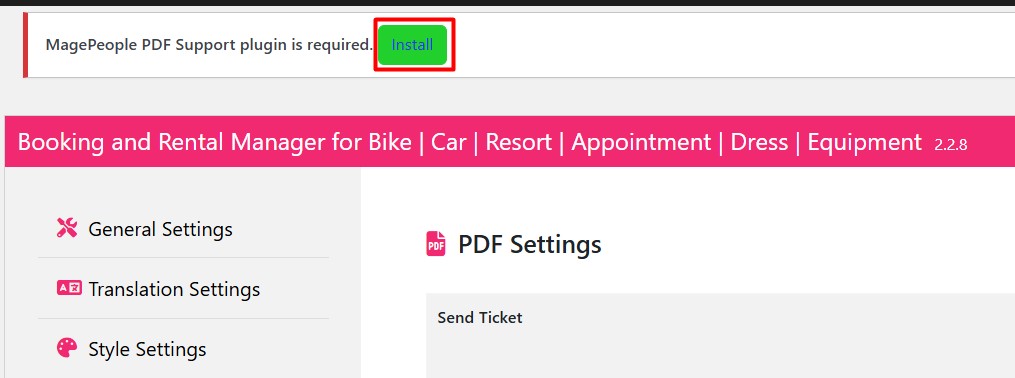
Now check the above and you will see a prompt to install the PDF plugin, which is a pro feature from WpRently.

Once you have installed the PDF plugin, activate it and you are ready to use the PDF invoices in your WpRently.


