
Once you have added your rental type and location, then you can start adding the items you want to rent.
To add a new Rent Item, go to Rent Item > Add New Item
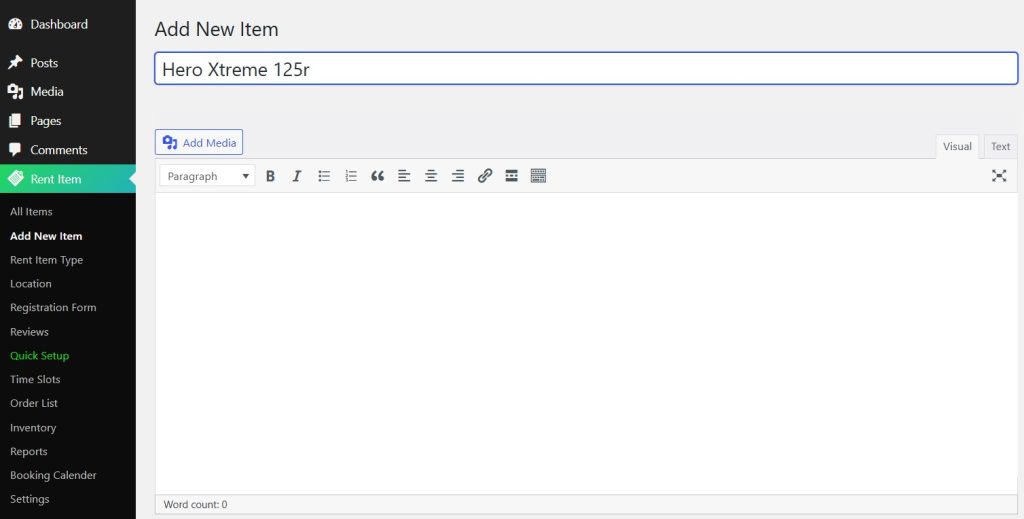
Type in your Rent Item name
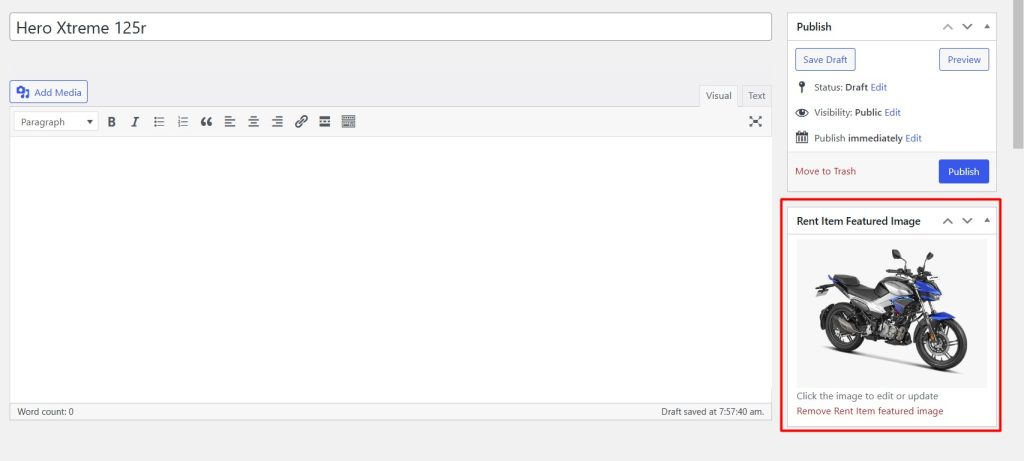
Add an image of your rental item as the feature image.
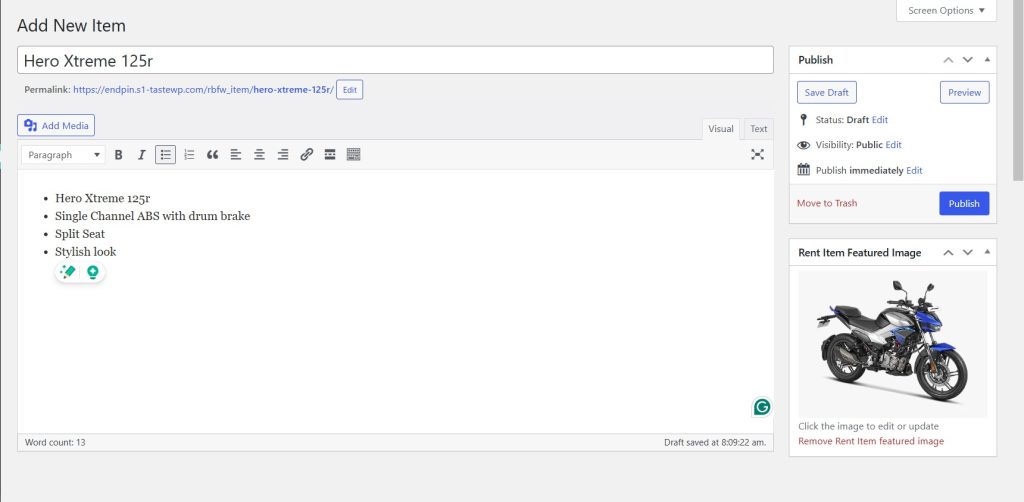
Now you can click Publish button to display your rental item.
For the rest of the settings, you can check the Service Settings.


