
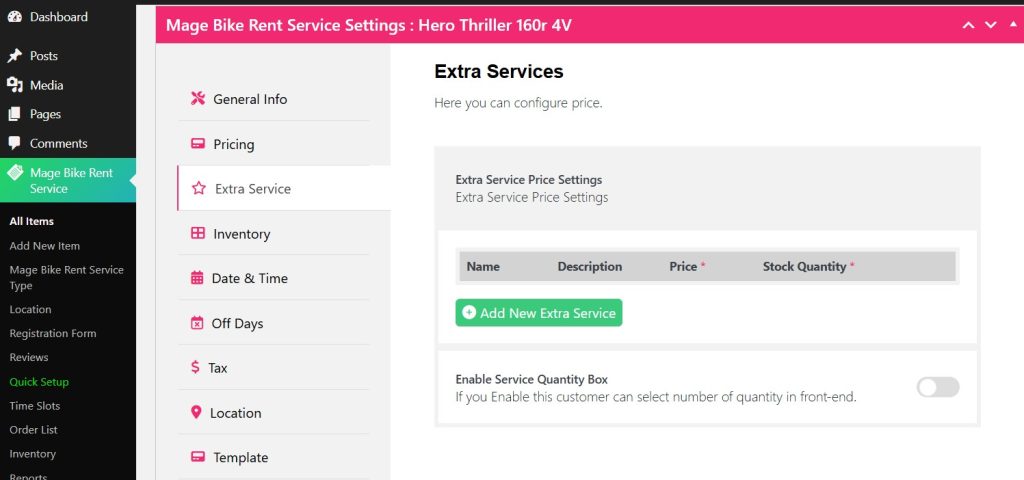
After adding your Pricing type for your rental service, you can add more services from the Extra Services tab.
Click Add New Extra Service
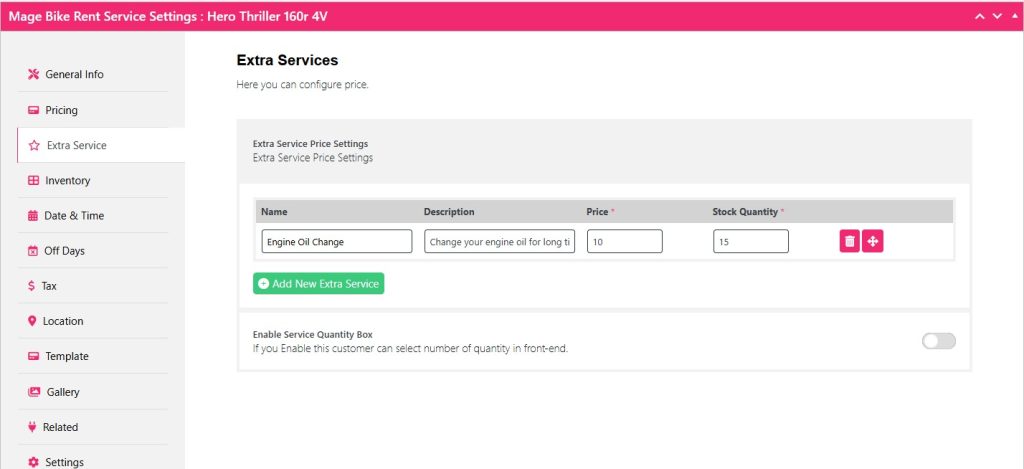
Type your Service Name, Description, Price, and Stock Quantity.
You can add more Extra Services by clicking the Add New Extra Service button.
Now click Update and check the outcome on the front end.
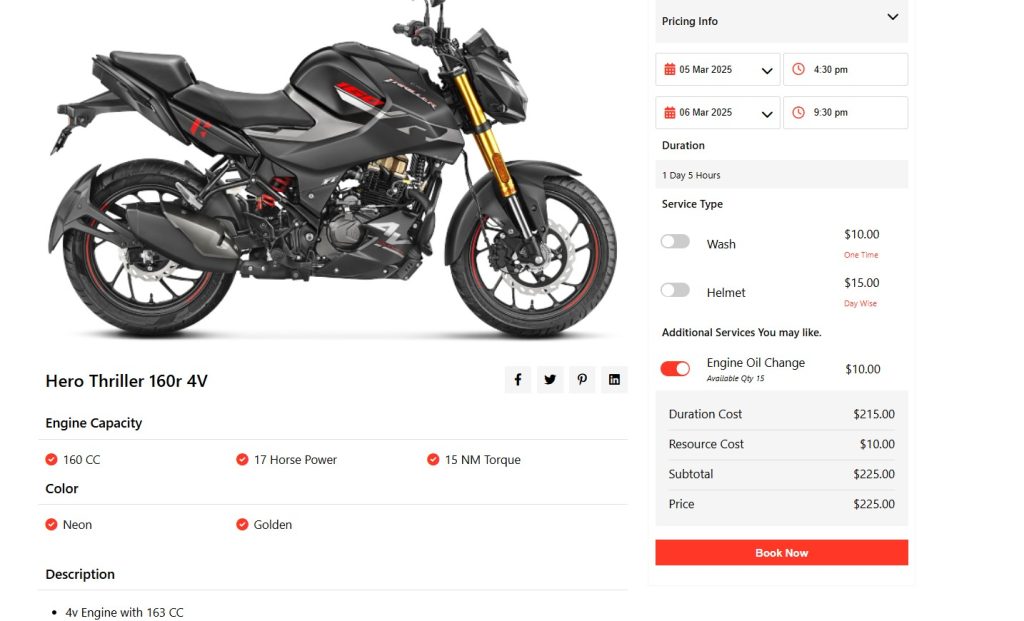
Well, now you can find the additional Services as your extra service with a toggle option.
If you toggle it, the price will be added as resource cost with the rental cost.
If you want to get more than one you can also do that with the Service Quantity Box.
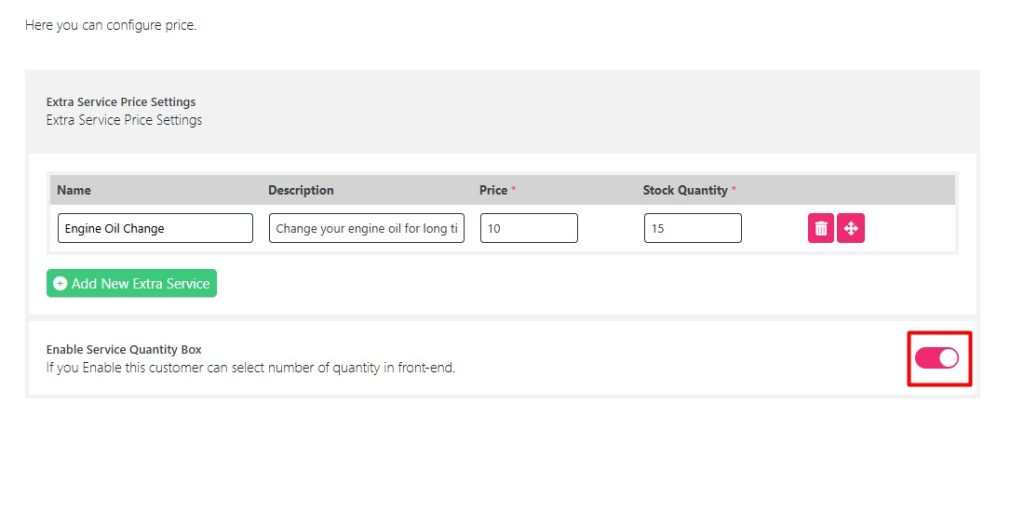
Simply toggle the Enable Service Quantity Box, it will convert your toggle button of extra service into a quantity box.
After enabling it, click Update and check your front end.
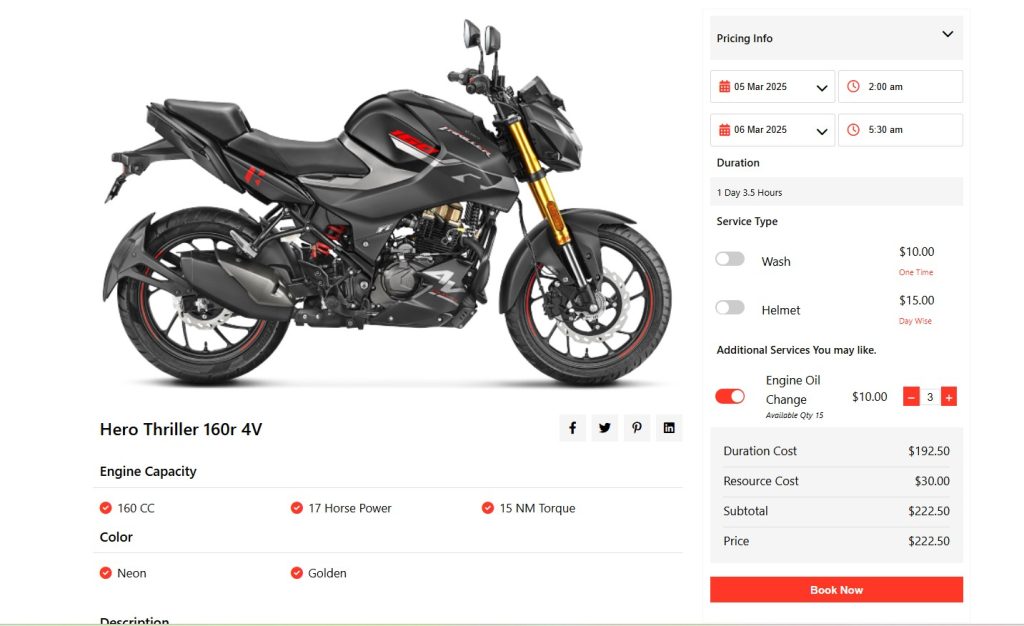
You can see there is a quantity box that appears and you can select more than one extra service based on the quantity.


