
What if your customers are away from a PC or a smartphone and can only request you to make an order for them?
How would you do that?
This is where the backend order addon plays its role. The backend order add-on is handy for a rental business.
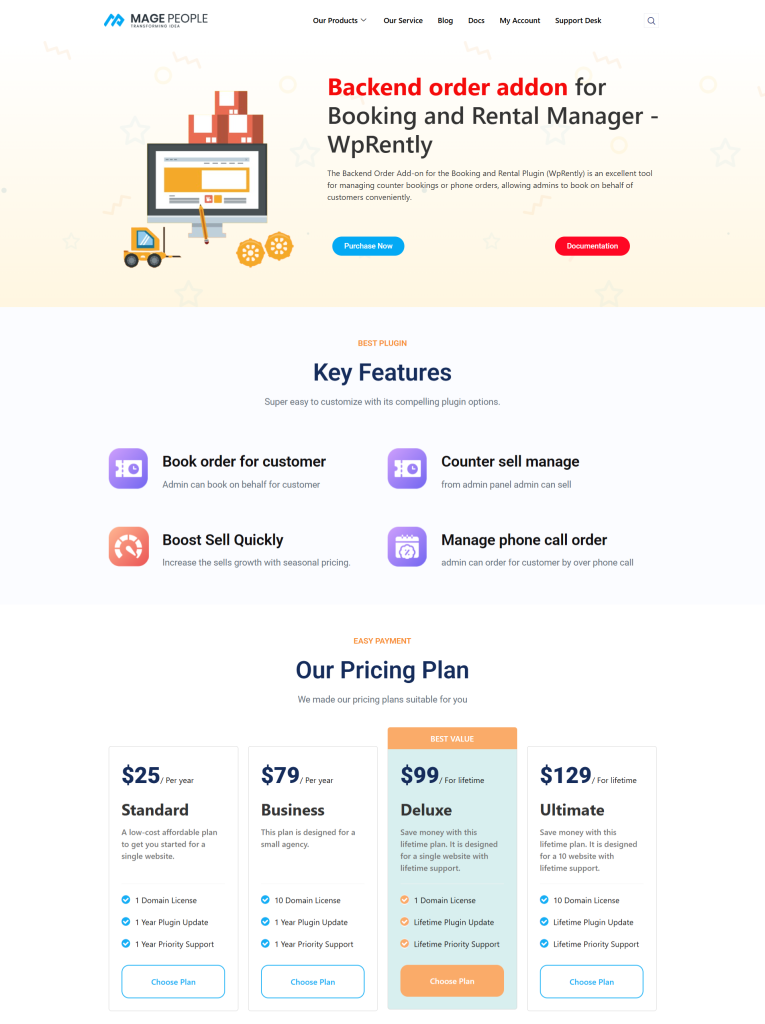
Simply visit the Backend Order Addon for Rental and choose your preferred.
Purchase the addon and you will get a download link.
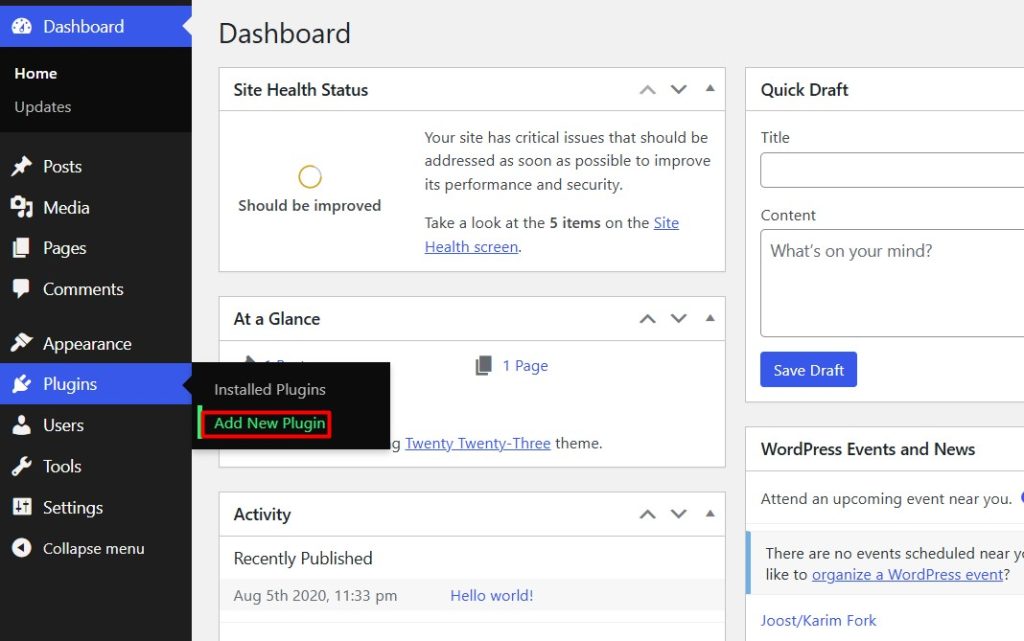
After downloading the addon, go to your Rental website dashboard and click Add New Plugin.
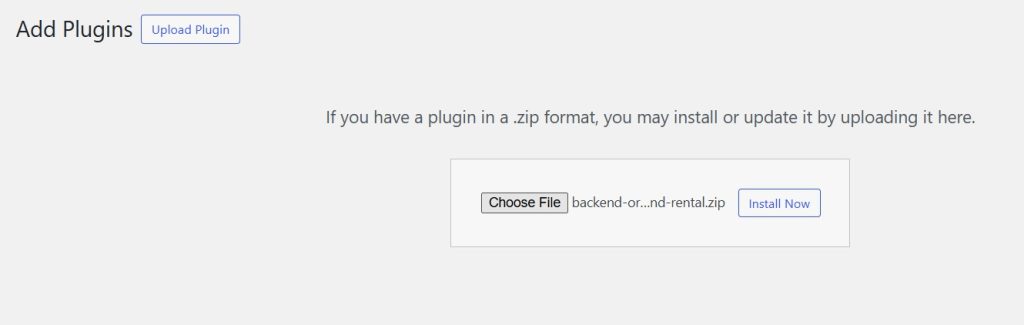
Now upload the zip file of the backend order addon and click Install Now.
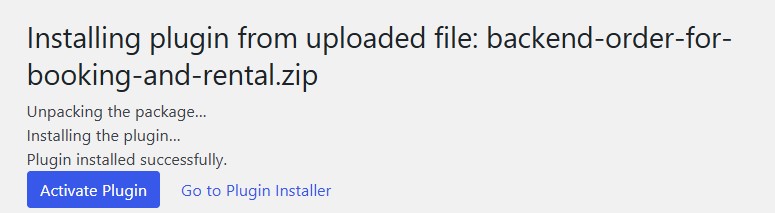
After installation, Activate the addon.
Now go to your Rental Manager and look for the option Purchase Order.
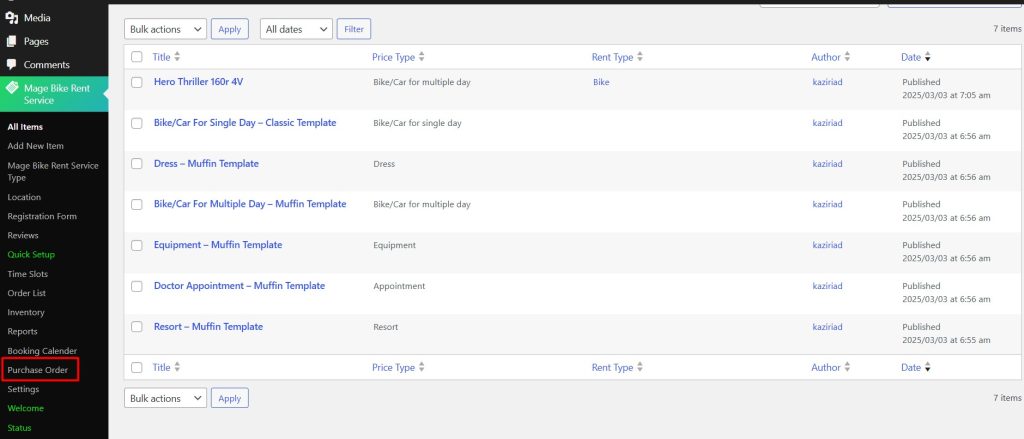
Open Purchase Order and all the Rental Items will be displayed with Edit, View, and Booking Order options
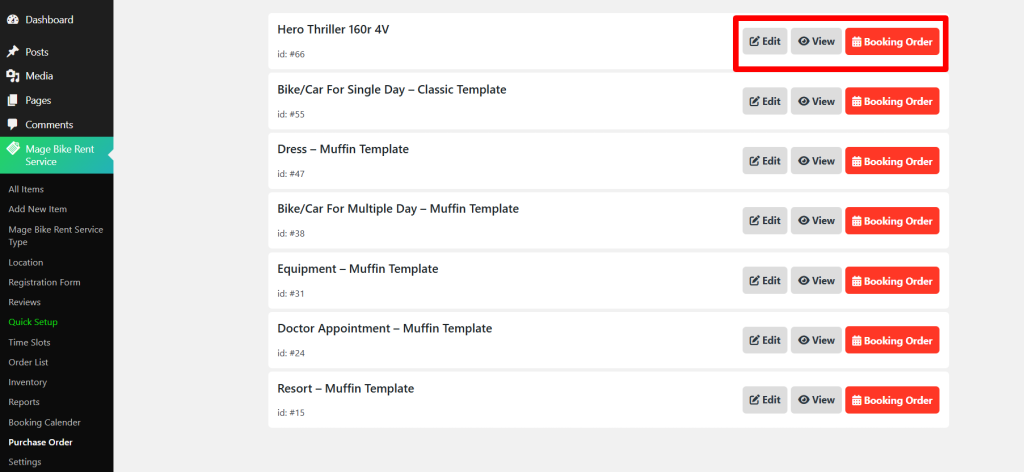
Select your Rental Item and click Booking Order.
Instead of a front-end booking system, you get an order panel on your backend.
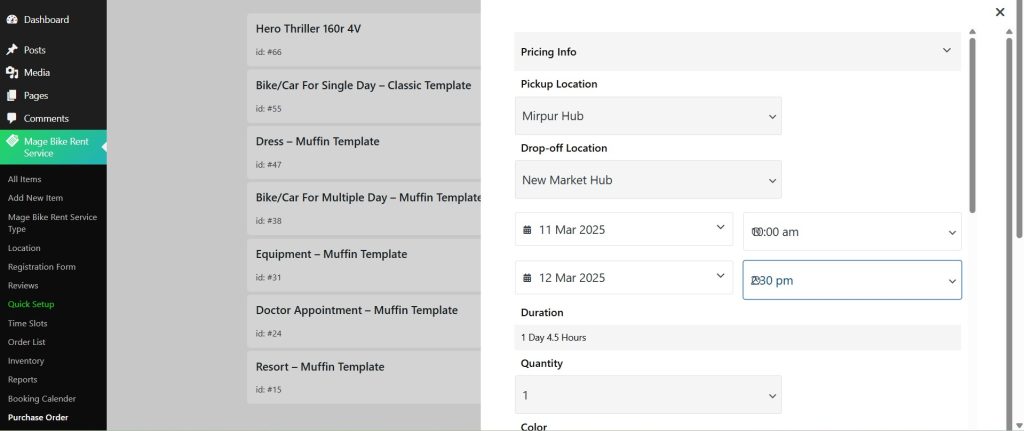
So in this way as an admin, you can take orders for your customers on behalf of them.


