
For Tax configuration, make sure you have configured Tax from WooCommerce settings.
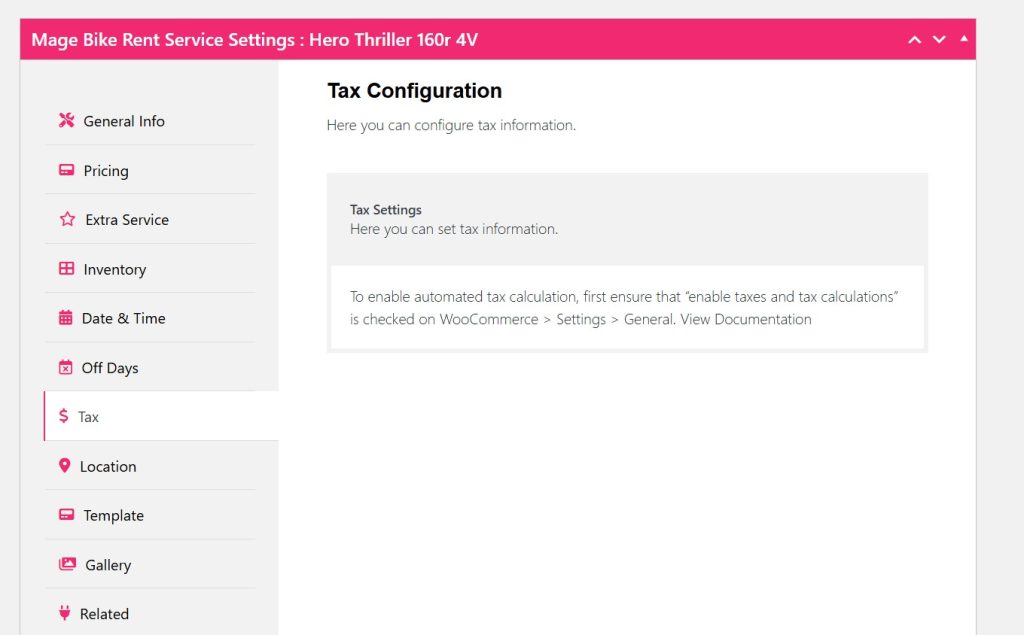
To enable tax from WooCommerce follow the Documentation on Tax Settings in WooCommerce.
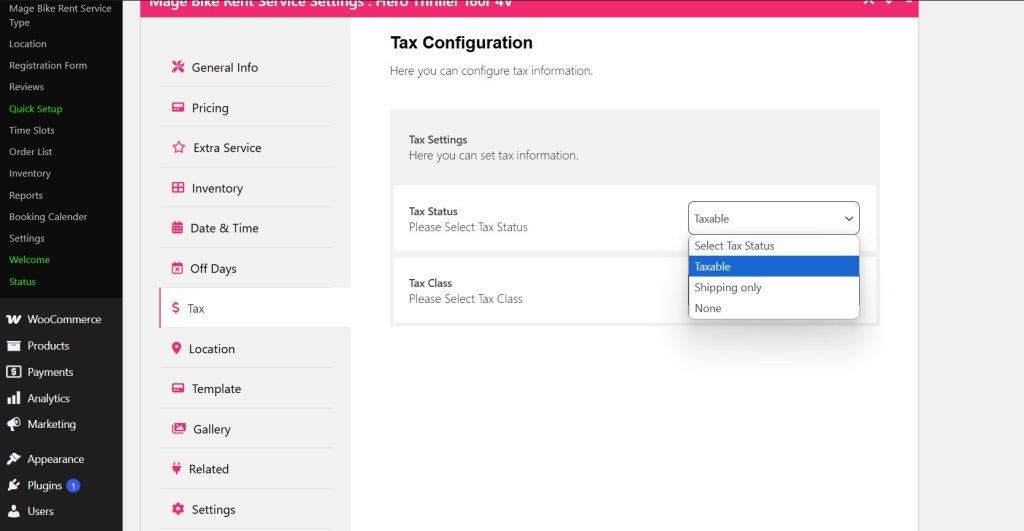
After configuring your tax, you can navigate to tax configuration and select Tax status as taxable, shipping only or None.
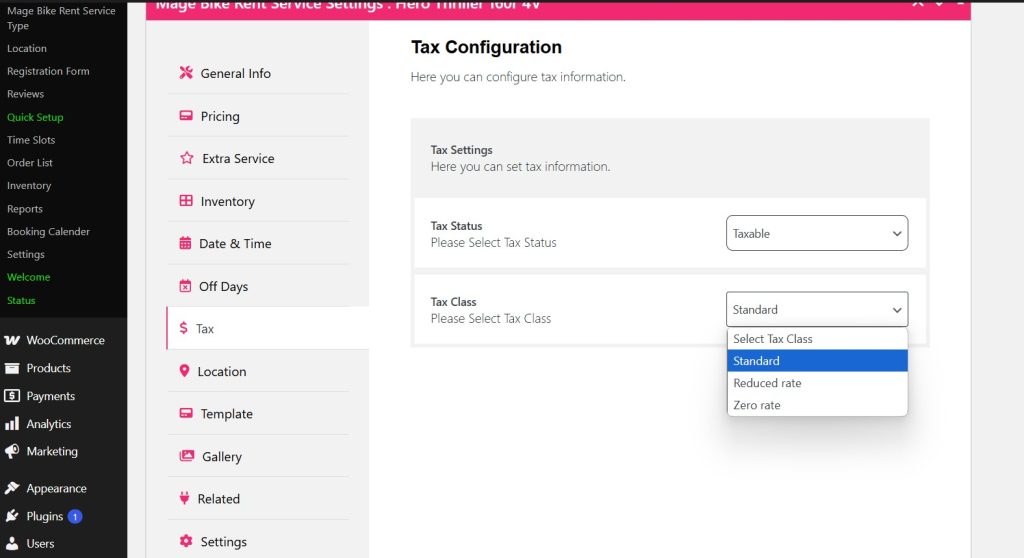
Then select the Tax class as Standard, Reduced rate, or Zero rate.
Click Update and check your front end if its working or not?
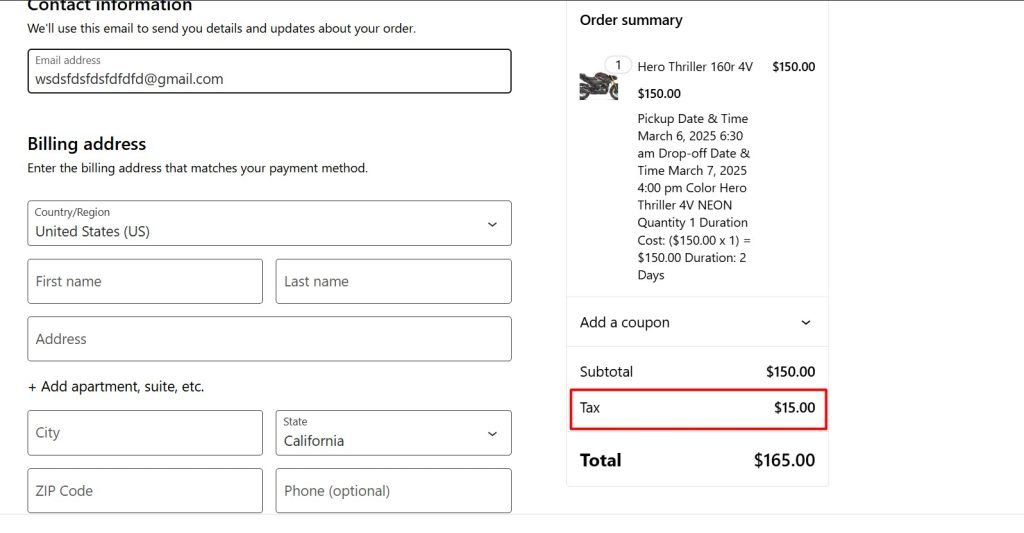
As you can see tax is shown and calculated as taxable status and standard rate class.


