
If you want to set a day off for the rental service, simply navigate to the Off Days tab.
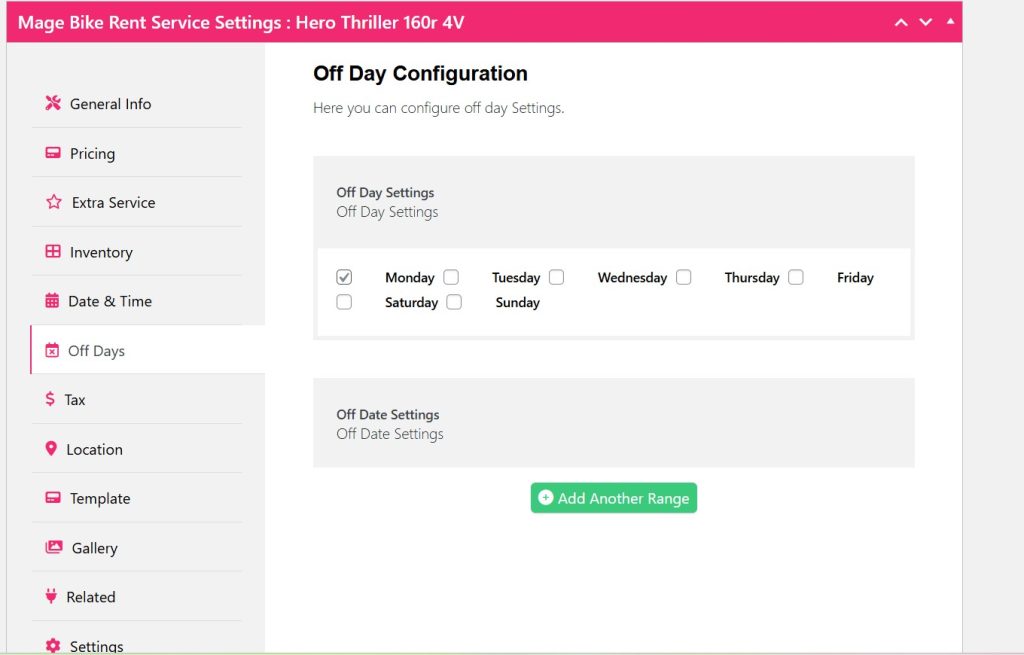
Under Off Days tab, you have the Off Day Configuration where you can select any day as your off day.
Also, if you want any specific day as your holiday or off day, you can do that from the Off Date settings.
Click Add Another Range.
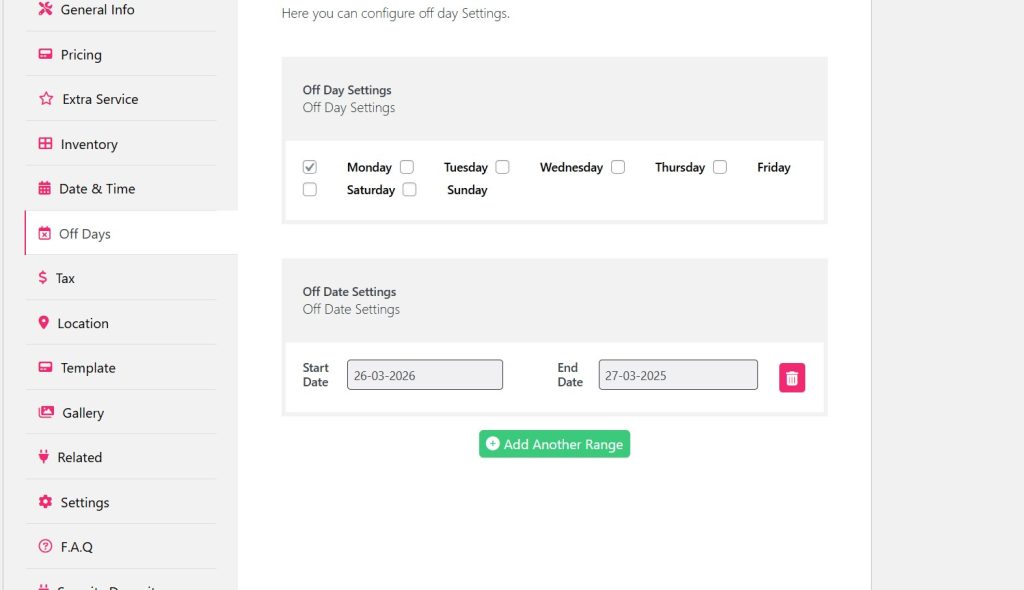
Select your specific date range.
You can add more date ranges as your off days.
Now click Update.
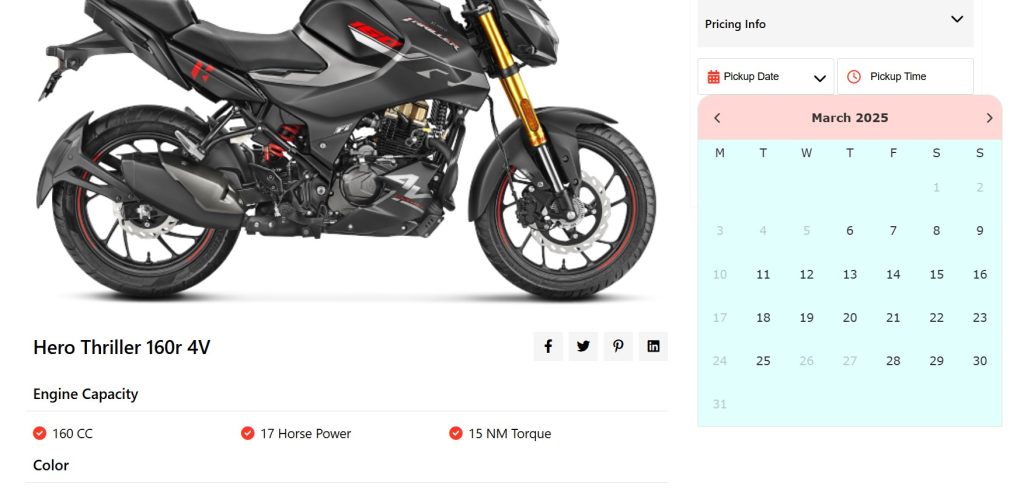
Great, now your day off is displaying with the specific day and date range.


