
Table of Contents
When you first start using WpRently, the first tab you see is the Rent Type.
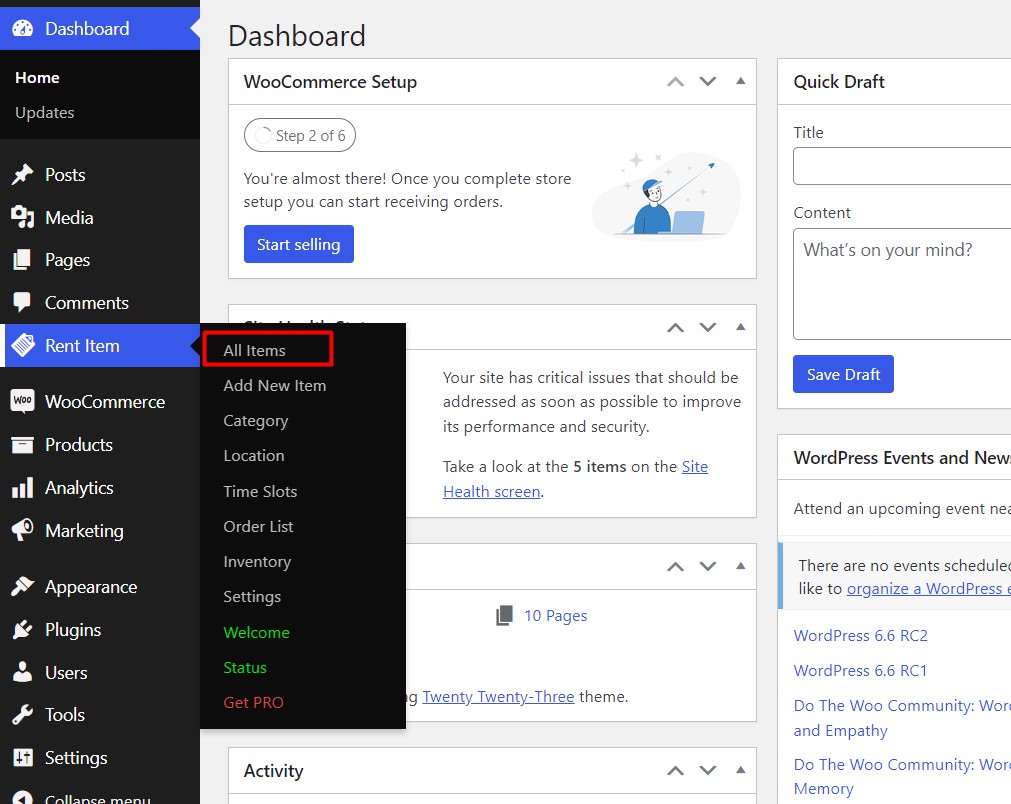
Here you will find all the options to configure your rental system.
All Items #
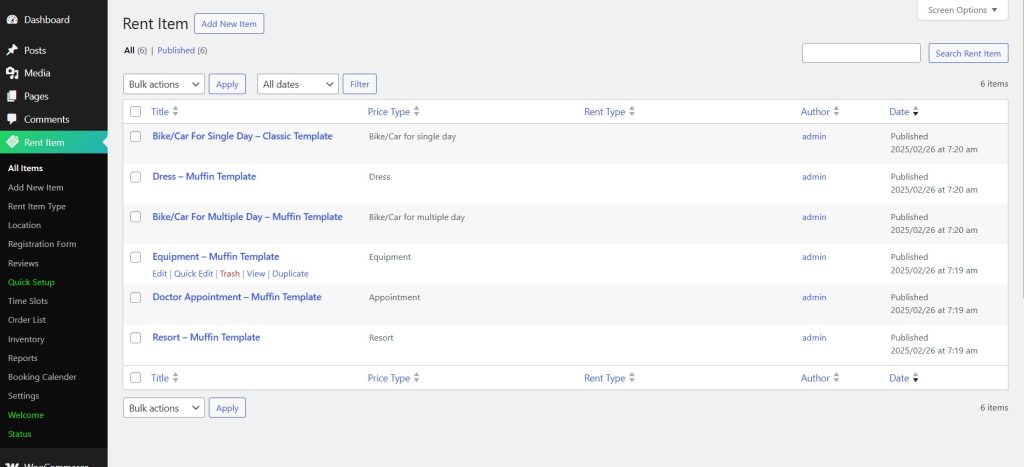
By default, WpRently has some rent types built-in, which you can find in the All Items tab.
You can start editing any Rent Item for your Rental Business.
Or you can create one and it will be listed in All Items.


